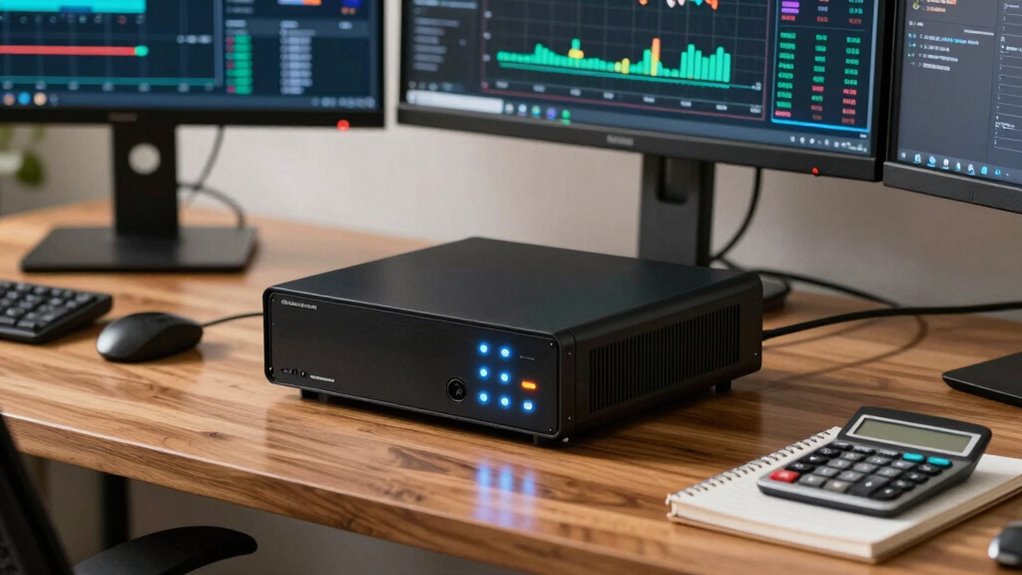

To size a UPS for your trading desk or NAS setup, start by listing all devices’ wattage ratings, including computers, monitors, and peripherals. Add these up and add a 20-25% buffer for surges or future upgrades. Choose a UPS rated at least 20-25% above this total, ensuring it can handle both continuous load and brief surges. Remember, selecting the right capacity and understanding runtime needs is essential — more details are just a step away.

Get hardware and tech essentials delivered free — and shop member deals
- Fast, free delivery on millions of items
- Access to Prime Big Deal Days deals on October 6–7
- Prime Video, Amazon Music and more included
Key Takeaways
- Calculate total wattage of trading computers, NAS, monitors, and peripherals, then add a 20-25% buffer for future needs.
- Choose a UPS with a capacity at least 20-25% higher than the total load in VA or watts.
- Consider runtime requirements during outages to select a UPS with sufficient battery capacity.
- Ensure the UPS provides surge protection to defend against voltage spikes affecting sensitive equipment.
- Regularly monitor battery health and perform maintenance to ensure reliable backup during power disruptions.
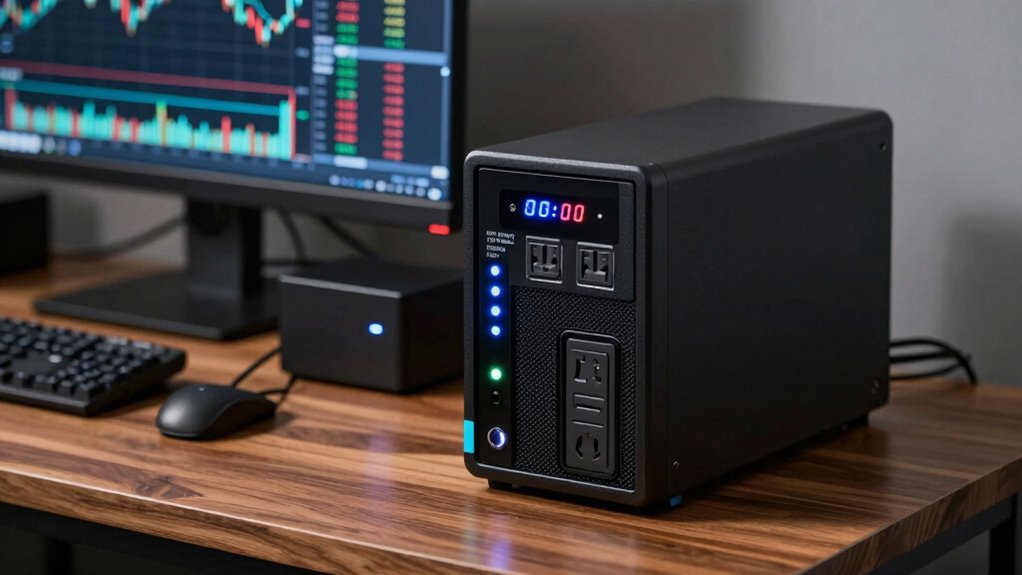
Choosing the right UPS for your trading desk or NAS setup is essential to keep your systems running smoothly during power outages. A UPS provides critical battery backup, ensuring your equipment stays powered long enough for you to save work, shut down properly, or maintain network connectivity. To select the appropriate size, you first need to determine the total power consumption of your devices. Check the wattage ratings on your trading computers, NAS units, monitors, and any other peripherals you plan to connect. Add these numbers together to get a clear idea of the total load your UPS will need to support. Remember, it’s wise to include a buffer—around 20-25%—to handle unexpected power surges or future upgrades.
Choosing the right UPS ensures your trading or NAS setup stays protected during outages and surges.
Power surges are a common threat to sensitive electronics, especially during thunderstorms or grid fluctuations. A high-quality UPS not only supplies backup power but also safeguards your equipment from these damaging voltage spikes. When sizing your UPS, make sure it can handle both the continuous load during outages and a brief power surge. Many UPS models feature surge protection, which helps prevent sudden voltage spikes from reaching your hardware. If your setup is particularly sensitive or you operate in an area prone to frequent power fluctuations, investing in a UPS with a higher surge tolerance offers extra peace of mind. Additionally, understanding the importance of electrical protection can help you choose a device that best safeguards your investment.
Once you’ve calculated your total wattage, select a UPS with a capacity that exceeds this number. For example, if your total load is around 300 watts, look for a UPS rated at least 400-500 VA (volt-amperes). Keep in mind that VA ratings are not identical to wattage, but they give a good approximation. Check the specifications to ensure the device can deliver the necessary power for your equipment’s startup and operational needs. Also, consider the runtime you require—if you need your systems to stay online for a longer period during outages, choose a UPS with a larger battery capacity. Many models specify how long they can support a certain load, so review these ratings carefully.
Finally, don’t forget about the importance of maintenance and monitoring. A UPS with a user-friendly interface allows you to keep track of battery health and replace batteries proactively. By sizing your UPS correctly with adequate battery backup capacity and surge protection, you safeguard your trading desk or NAS setup from unexpected outages and electrical issues, keeping your operations stable and secure.
As an affiliate, we earn on qualifying purchases.
Frequently Asked Questions
Can I Upgrade My UPS Later if My Equipment Needs Change?
Yes, you can upgrade your UPS later if your equipment needs change. Look for models with battery scalability, which allow you to add extra batteries for extended backup time. Also, consider a UPS with power redundancy features, so if one component fails, your setup remains protected. Upgrading is easier with modular designs, ensuring your system adapts to your evolving power requirements without replacing the entire unit.
How Does Temperature Affect UPS Performance and Lifespan?
Temperature critically impacts your UPS’s performance and lifespan. If the thermal impact isn’t managed well, it can cause overheating, reducing efficiency and damaging internal components. Proper temperature management involves keeping the environment cool and well-ventilated, preventing excessive heat buildup. By maintaining ideal conditions, you extend your UPS’s life, ensuring reliable backup power for your trading desk or NAS setup. Ignoring temperature effects can lead to costly repairs or replacements over time.
What Are the Best Practices for Maintaining a UPS?
You might wonder what the best practices are for maintaining your UPS. Focus on battery maintenance—regularly test and replace batteries before they fail—and guarantee proper ventilation to prevent overheating. Power management is equally critical; configure your UPS to shut down safely during power loss and avoid overloading it. Keeping these practices in check prolongs your UPS’s lifespan, ensuring your trading desk or NAS setup stays protected and reliable when you need it most.
How Do I Choose Between Online and Offline UPS Systems?
You should choose an online UPS if you prioritize maximum power redundancy and consistent battery capacity, especially for sensitive trading or NAS equipment. Online units provide continuous power and protect against outages and surges. Offline UPS systems are suitable for less critical setups, offering basic backup at a lower cost. Consider your equipment’s criticality, budget, and the need for seamless power when making your choice.
What Is the Typical Lifespan of a UPS in a Trading Environment?
In a trading environment, your UPS typically lasts about 3 to 5 years. You’ll need to monitor its battery replacement schedule, as batteries tend to degrade over time, affecting power capacity. Regular maintenance guarantees your UPS can handle sudden outages, protecting your trading systems. Keep an eye on signs of declining performance, and plan for timely battery replacements to maintain peak power capacity and system reliability.
As an affiliate, we earn on qualifying purchases.
Conclusion
Choosing the right UPS is like fitting the perfect pair of shoes—you need the right size for comfort and performance. I once helped a trader whose entire operation went down during a power outage because his UPS couldn’t handle the load. Don’t let your setup be that story. Properly sizing your UPS guarantees your trading desk or NAS stays online, no matter what. Invest the time now, and you’ll avoid costly surprises later.
surge protector UPS for electronics
As an affiliate, we earn on qualifying purchases.
As an affiliate, we earn on qualifying purchases.
high capacity UPS for computer setup
As an affiliate, we earn on qualifying purchases.
As an affiliate, we earn on qualifying purchases.
Fall Picks
fall essentials
As an affiliate, we earn on qualifying purchases.