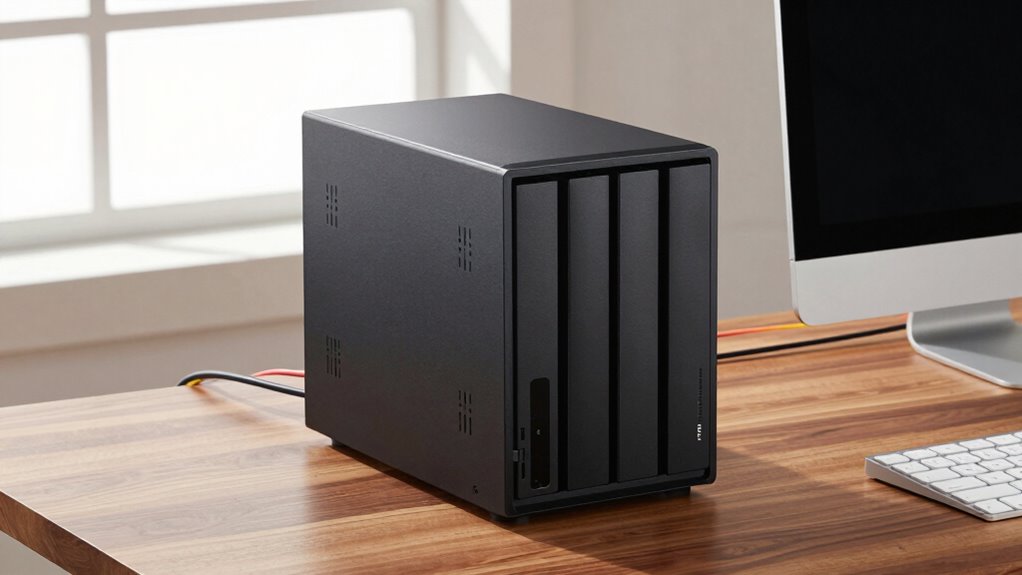

Before choosing a 2-bay or 4-bay NAS, consider your storage needs, future growth, and whether you want to support cloud services like Google Drive or OneDrive. Look at hardware specs like processor speed, RAM, and RAID options for better performance and data safety. Energy efficiency is also important to save on costs and reduce environmental impact. If you want a clear understanding of each factor, keep exploring more details.
Key Takeaways
- Assess your current and future storage needs to determine if a 2-bay or 4-bay NAS best fits growth projections.
- Consider cloud integration options for remote access, backup, and expanded storage capabilities.
- Evaluate energy consumption and eco-friendly features to balance performance with cost efficiency.
- Check hardware specs like processor speed and RAM to ensure smooth handling of data and applications.
- Review RAID support and expandability to enhance data safety, performance, and long-term usability.
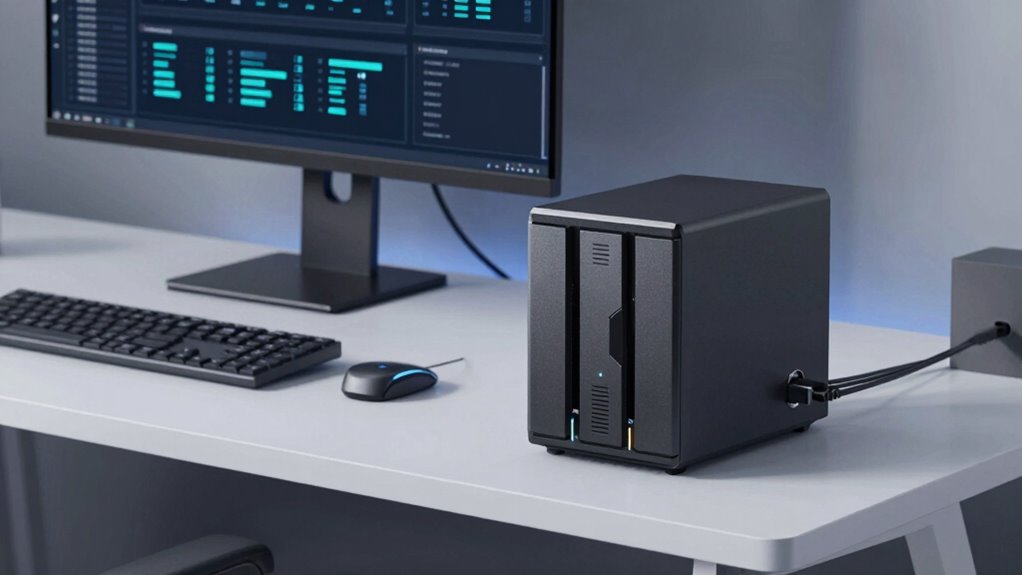
If you’re considering buying a 2-bay or 4-bay NAS, understanding your storage needs and future growth is essential. A key factor to consider is how well the device integrates with the cloud. Cloud integration allows you to back up data seamlessly, access files remotely, and expand your storage capacity without constantly upgrading your NAS hardware. If you plan to use your NAS for backup or collaboration across multiple devices, look for models that offer robust cloud connectivity options, such as support for popular services like Dropbox, Google Drive, or OneDrive. This integration can save you time and effort, ensuring your data is accessible from anywhere and protected in the cloud.
Prioritize cloud integration for seamless backups, remote access, and future storage expansion.
Energy consumption is another critical aspect to keep in mind. NAS devices run continuously, so their power efficiency directly impacts your electricity bill and the environment. When choosing between a 2-bay or 4-bay NAS, check the energy specifications. Typically, 2-bay models consume less power, making them more suitable for small offices or personal use where energy savings matter. Larger 4-bay units might offer more storage but can also draw more power, especially if they support multiple hard drives spinning simultaneously. Some models include energy-saving features like scheduled shutdowns or drive hibernation, which help reduce overall energy consumption. Understanding these options can help you balance performance needs with eco-friendliness and cost efficiency.
Furthermore, think about your future storage needs. If you expect your data to grow quickly, investing in a 4-bay NAS might seem appealing, but only if it aligns with your budget and energy considerations. The ability to expand storage by adding drives or replacing existing ones with higher-capacity disks is indispensable. Many 4-bay models also support RAID configurations, offering both redundancy and performance improvements, which is essential if you’re storing critical data. However, more drives mean increased power use and possibly more complexity in managing the device. Considering hardware specifications, such as processor speed and RAM, can ensure your NAS handles future demands smoothly. Additionally, assessing the energy efficiency of the device can help you choose a model that balances performance with sustainability. Being aware of the expandability options can also help you make a more informed decision for long-term use.

BUFFALO LinkStation 210 2TB 1-Bay NAS Network Attached Storage with HDD Hard Drives Included NAS Storage that Works as Home Cloud or Network Storage Device for Home
- Centralized Storage with RAID: RAID-enabled NAS for backup and storage
- Easy Network Connectivity: Connect to router for shared device access
- Compatible with Windows and macOS: Works seamlessly with major OS platforms
As an affiliate, we earn on qualifying purchases.
As an affiliate, we earn on qualifying purchases.
Frequently Asked Questions
Can I Expand Storage Beyond the Initial Bays Later?
Yes, you can expand storage beyond the initial bays later, especially if your NAS supports expandable storage options. Many models allow you to add external drives or connect via network for future upgrades. This flexibility helps you grow your storage capacity as your needs increase, making your NAS more adaptable over time. Just make certain the device you choose supports future upgrades to avoid limitations down the line.
What Are the Energy Consumption Differences Between 2-Bay and 4-Bay NAS?
A 2-bay NAS generally uses less power and has better power efficiency than a 4-bay model, which consumes more energy due to additional drives and hardware. This difference impacts your energy costs over time, with 2-bay units being cheaper to operate. If energy efficiency is a priority, a 2-bay NAS might be the better choice. However, consider your storage needs before making a decision.
How Secure Is Data Stored on These NAS Devices?
Your data’s security on NAS devices is as tight as a vault, thanks to robust data encryption methods. Regular firmware updates are your secret weapon, patching vulnerabilities before they become problems. While no system is invincible, choosing a reputable brand and enabling encryption guarantees your files stay safe from prying eyes. Stay vigilant, keep your firmware updated, and your data will be well-guarded against threats.
Are There Compatibility Issues With Specific Operating Systems?
You might encounter compatibility issues with certain operating systems when choosing a NAS. Check the device’s operating system compatibility to guarantee it works smoothly with your system, whether Windows, macOS, or Linux. Also, consider software integration features; some NAS devices offer better app support and seamless connectivity with specific OS features. Doing this research helps prevent frustrations and ensures your NAS fits well into your existing setup.
What Is the Typical Lifespan of a NAS Device?
Your NAS usually lasts around 3 to 5 years, much like a dependable car. Regular firmware updates keep it running smoothly, but hardware durability varies by brand and usage. I once knew someone whose NAS failed after four years, highlighting the importance of maintenance. To prolong its lifespan, make certain you perform firmware updates promptly and handle hardware carefully, as these factors considerably influence how long your device stays reliable.
BUFFALO LinkStation 210 4TB 1-Bay NAS Network Attached Storage with HDD Hard Drives Included NAS Storage that Works as Home Cloud or Network Storage Device for Home
- Centralized Storage with RAID: Provides backup for all devices
- Easy Network Connection: Connects to router for shared storage
- Compatible with Windows and macOS: Supports multiple operating systems
As an affiliate, we earn on qualifying purchases.
As an affiliate, we earn on qualifying purchases.
Conclusion
Ultimately, choosing between a 2-bay or 4-bay NAS depends on your needs and future dreams. Think of it as planting seeds today for a harvest tomorrow—whether you nurture a smaller garden or expand your fields. With careful planning and understanding, you’ll find the perfect fit that grows with you, quietly supporting your digital life. Trust your instincts, and soon, your data will flourish in a space designed just for you.
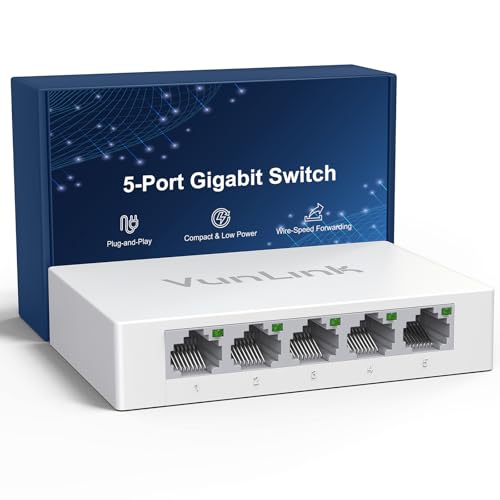
5 Port Gigabit Ethernet Switch – VunLink Unmanaged Network Switch Hub, Desktop Ethernet Splitter, Fanless & Energy Efficient, High-Speed Connection for Home, Office, NAS, Gaming
- Full Gigabit Speed: Supports 10/100/1000 Mbps on all ports
- Plug & Play: No setup required, auto-adapts to devices
- Stable for NAS & Home Use: Low-latency, reliable data transmission
As an affiliate, we earn on qualifying purchases.
As an affiliate, we earn on qualifying purchases.

UGREEN NAS DH2300 2-Bay Desktop NAS, Support Capacity 64TB (Diskless)
- Ideal for Beginners: Simple, private storage for personal files
- High Capacity Support: Supports up to 64TB storage capacity
- Universal Device Compatibility: Works across Windows, iOS, Android, macOS
As an affiliate, we earn on qualifying purchases.
As an affiliate, we earn on qualifying purchases.